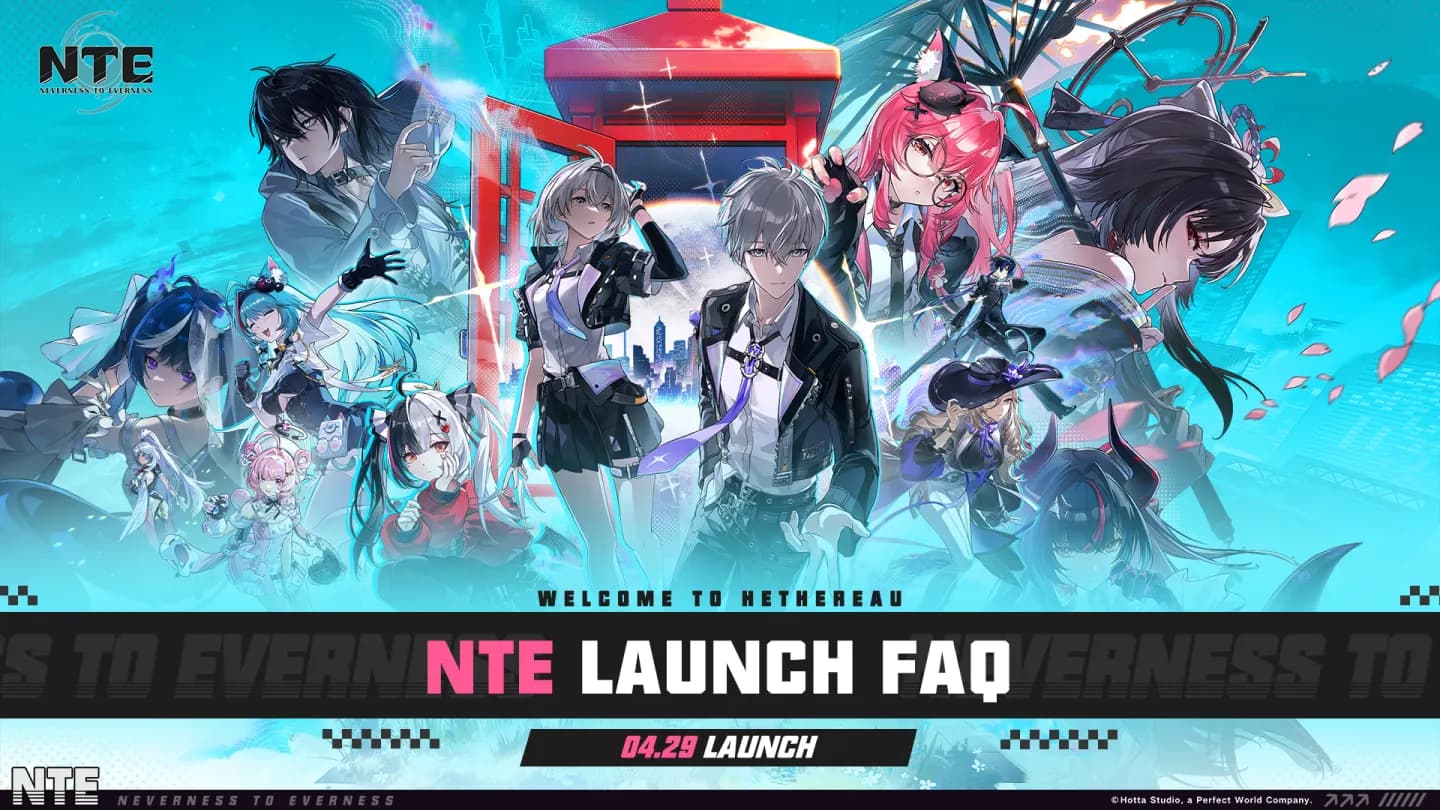
Neverness to Everness PC Official Setup
The official Neverness to Everness PC installer is served through Perfect World's CDN. Use the official Neverness to Everness PC route rather than unofficial launcher mirrors.
Swipe horizontally to inspect every column.
| Platform | Official route | Login path | Note |
|---|---|---|---|
| Windows PC | Official launcher | PWG Account, Facebook, Google, or email | Cross-play supported through the same PWG Account and same server. |
| Apple Mac | Search NTE on the platform storefront | Facebook, Google, Sign in with Apple, or email | Listed as a launch platform in the official Launch FAQ. |
| Google Play PC | Google Play PC route | PWG Account / platform-supported login | Listed as a launch platform in the official Launch FAQ. |
Neverness to Everness PC Troubleshooting
Swipe horizontally to inspect every column.
| Issue | Official fix | Source |
|---|---|---|
| PC install path error | Choose an installation path that uses only English characters. | Launch FAQ |
| Downloaded file failed verification | Retry from the launcher, restart the launcher, or download the game again. | Launch FAQ |
| Download speed stuck at 0 | Check VPN, proxy, and hosts file settings; restart the computer or run the launcher as administrator. | Launch FAQ |
| Resource file download failed | Restart the launcher or use Repair files > One-click repair; reinstall if repair does not resolve it. | Launch FAQ |
| Frequent PC crashes | Update NVIDIA driver 595.79, close Astrill VPN, or uninstall MSI Afterburner / RivaTuner Statistics Server if relevant. | Launch FAQ |
Neverness to Everness PC FAQ
Can I play Neverness to Everness PC now?+
Yes. The Launch FAQ says the game launched globally on April 29, 2026 and Windows PC is one of the supported platforms.
Does Neverness to Everness PC share progress with mobile?+
Yes, the Launch FAQ says progress syncs across Windows PC, Mac, PS5, iOS, and Android when using the same PWG Account on the same server.